This document explains what to do if you do not see the expected SharePoint site in the Cloud Providers dropdown. The following sections are covered:
Symptoms
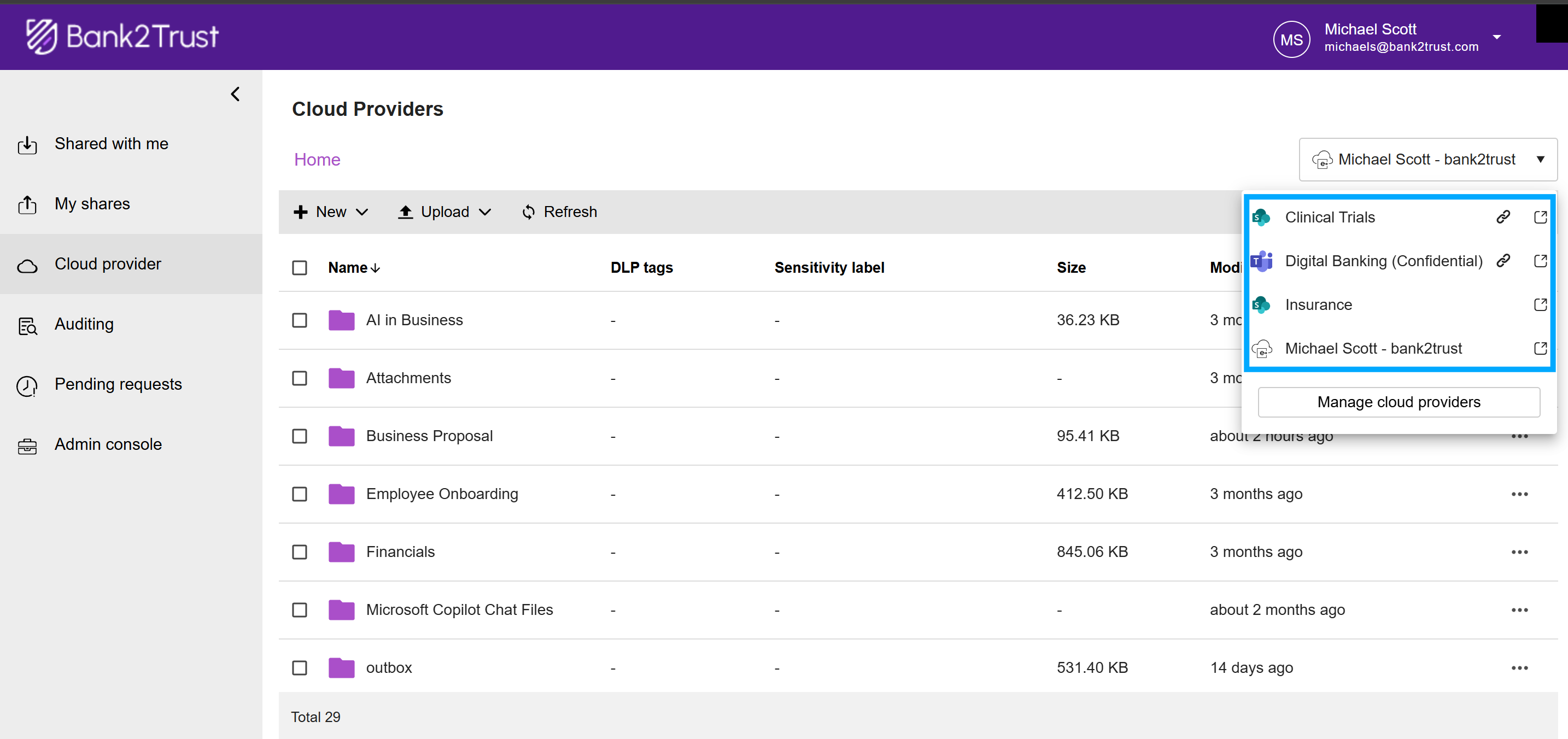
You do not see the expected SharePoint site in the 'Cloud Providers' dropdown.
Cause
You may no longer have access to the site, or your organization administrator may have changed your permissions.
Resolution
Try accessing the SharePoint site directly through your web browser.
If you are unable to access the site, contact your organization administrator to request the necessary permissions.